
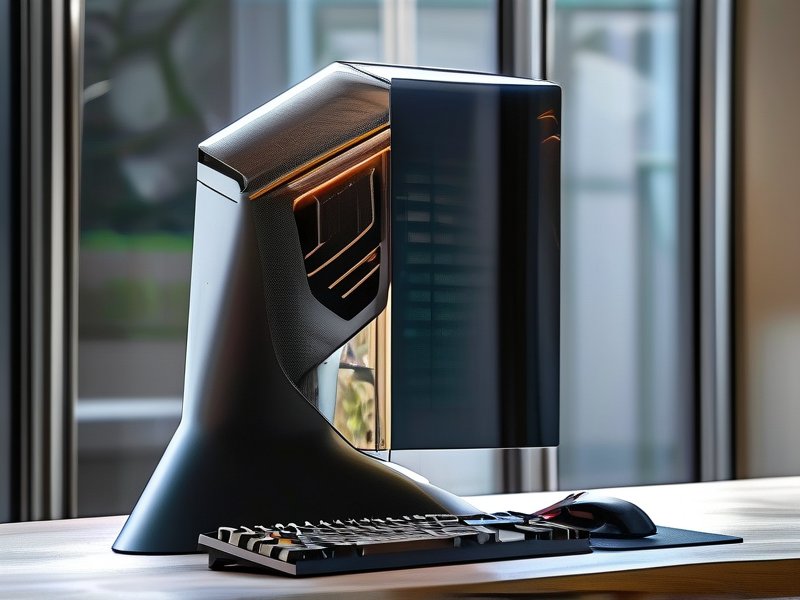
The Evolution of Remote Work and the Rise of Cloud PCs
Over the past decade, remote work has evolved from a niche option to a global standard. While traditional setups relied on physical hardware and local networks, the demand for seamless productivity across devices and locations has driven innovation in virtual workspaces. Enter next-gen cloud PCs, which combine the power of cloud computing with the convenience of virtual desktop infrastructure (VDI). These platforms, such as those offered by EdgeNode Cloud PC, are redefining how teams collaborate, compute, and innovate in a distributed world.
Legacy systems often struggled with scalability, security, and cost. For instance, businesses would invest in high-end workstations for engineering or design teams, only to face hardware bottlenecks during peak workloads. Similarly, IT departments spent hours troubleshooting device-specific issues or managing updates across scattered endpoints. Cloud PCs eliminate these pain points by centralizing resources in the cloud while delivering desktop experiences that feel local.
- Scalability: Businesses can instantly provision powerful workstations without physical hardware investments. Need more GPUs for rendering? A click expands resources.
- Accessibility: Access workloads from any device—laptops, tablets, or even legacy machines—with no performance degradation.
- Security: Data stays encrypted in the cloud, reducing risks from lost devices or unauthorized access.
Key Advantages of Next-Gen Virtual Workstations
Cloud PCs offer transformative benefits that go beyond mere convenience. Here’s why they are becoming essential for modern workforces:
1. Unmatched Performance for Resource-Intensive Tasks
Designers, engineers, and data scientists often require high-end processors and dedicated graphics cards. Traditional setups force compromises, but cloud PCs deliver on-demand access to top-tier hardware. For example, a marketing team can run real-time 4K video editing software or a financial firm can process complex analytics without upgrading local hardware.
2. Seamless Collaboration and Version Control
Cloud PCs enable teams to work on shared projects in real time. Since files and applications reside in the cloud, there’s no need to manually sync versions. Features like virtual whiteboards and integrated chat tools further enhance collaboration. Consider a remote architecture team co-editing a 3D model in AutoCAD: changes propagate instantly to all participants.
3. Cost Efficiency and Flexibility
For businesses, owning physical workstations means significant upfront costs and ongoing maintenance. Cloud PCs shift this burden to a subscription model, where costs scale with usage. Startups can test high-performance setups for a quarter without long-term commitments, while enterprises save on energy bills by consolidating resources.
Take the example of a small animation studio. Instead of purchasing $2,000 workstations for each artist, they can rent cloud PCs with equivalent specs for a fraction of the cost. Plus, upgrading to faster GPUs for a project is as simple as adjusting their subscription plan.
Maximizing Cloud PC Adoption: Tips for Success
While cloud PCs offer clear advantages, their effectiveness depends on strategic implementation. Here are actionable tips to ensure seamless adoption:
1. Choose the Right Provider
Not all cloud PC services are created equal. Look for platforms with:
- Flexible pricing tiers (e.g., pay-as-you-go vs. all-you-can-use)
- High-speed connectivity (minimum 100 Mbps upload/download)
- Integration with existing tools like Slack, Zoom, or Microsoft 365
- Customer reviews confirming stability and performance
EdgeNode Cloud PC stands out here, offering customizable resource allocation and robust security protocols.
2. Optimize for Bandwidth and Latency
Users require consistent internet speeds. For teams in remote areas, providers with distributed edge nodes (like EdgeNode’s global data centers) ensure minimal lag. Test performance by:
- Running latency-sensitive applications (e.g., CAD software)
- Simulating peak user loads during off-peak hours
3. Prioritize Data Security
Encrypt data both at rest and in transit. Implement role-based access controls so that, for instance, interns can’t modify production files. Regularly audit logs to detect unauthorized access attempts.
4. Train Teams for Smooth Transition
Host workshops to familiarize employees with cloud PC interfaces. Address common concerns like:
- “Will my favorite apps work?” (Check compatibility lists first)
- “What if my internet drops?” (Most providers offer local caching)
5. Monitor Performance Metrics
Track key metrics like:
- Frame rates for visual workloads
- Application load times
- User satisfaction surveys
Adjust resource allocations based on these insights to balance cost and performance.
Conclusion: The Future of Work is Virtual—and Powerful
Next-gen cloud PCs are not just a technological upgrade; they’re a paradigm shift in how organizations approach productivity. By centralizing compute power, enhancing collaboration, and reducing costs, these platforms empower teams to focus on innovation rather than infrastructure management. As industries from healthcare to gaming embrace hybrid work models, the adoption of cloud PCs will only grow. For businesses ready to future-proof their operations, investing in this technology isn’t optional—it’s a strategic imperative.
Ready to redefine your team’s productivity? Explore EdgeNode Cloud PC today and experience the next generation of remote work.