
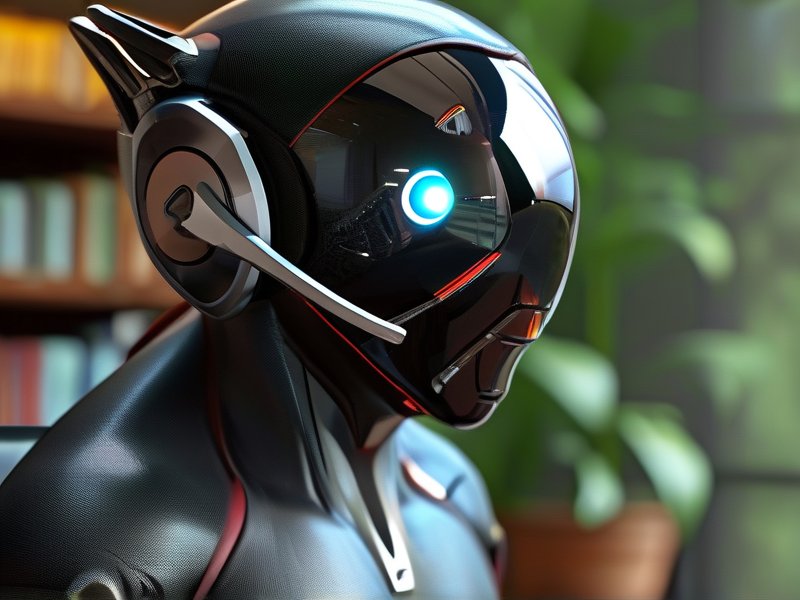
Revolutionizing Remote Work: The Rise of Next-Gen Virtual Workstations
In an era where remote work has become the new normal, the demand for seamless, high-performance computing solutions has never been greater. Next-generation virtual workstations, powered by advanced cloud infrastructure, are transforming how professionals access and utilize computational resources from anywhere. This article explores how cutting-edge cloud PCs are redefining the standards of remote computing, offering unparalleled flexibility and power. By leveraging innovations like GPU acceleration and edge computing, these platforms are enabling teams to collaborate, create, and compute as effectively as if they were in a physical office.
Key Technologies Driving Next-Gen Virtual Workstations
The evolution of cloud PCs hinges on groundbreaking advancements that address traditional limitations of remote computing. Here are the pillars enabling this transformation:
- GPU Virtualization: High-end graphics processing units (GPUs) are now accessible via the cloud, allowing professionals in design, engineering, and gaming to run resource-intensive applications like Adobe Creative Suite or AutoCAD without needing local hardware.
- Edge Computing Integration: By processing data closer to the user via distributed edge nodes, latency is reduced, ensuring smooth real-time collaboration on large files or streaming applications.
- Scalable Resource Allocation: Users can dynamically adjust CPU, RAM, and storage resources based on task demands—perfect for fluctuating workloads like video rendering or data analysis.
- Enhanced Security: Features such as data encryption, multi-factor authentication, and isolated virtual environments mitigate risks of data breaches, even on unsecured networks.
- Seamless Software Integration: Compatibility with tools like Microsoft 365, Slack, and specialized software (e.g., CAD, 3D modeling) ensures productivity across industries.
For example, a remote architectural firm using cloud PCs can host entire BIM (Building Information Modeling) projects in the cloud, allowing designers to access high-fidelity 3D models instantly from any device.
Transforming Remote Work: Benefits and Practical Applications
Next-gen virtual workstations are redefining remote computing standards by addressing critical pain points for both employees and enterprises:
- Hardware Independence: Teams no longer require expensive local machines, reducing upfront costs and enabling work from personal devices, tablets, or even thin clients.
- Global Collaboration: Real-time co-editing and screen-sharing across time zones become effortless, crucial for industries like healthcare (e.g., virtual consultations) and software development (e.g., agile sprints).
- Cost Efficiency: Subscription-based models eliminate capital expenditure, with pay-as-you-go pricing aligning costs directly with usage patterns.
- Environmental Impact: Centralized cloud infrastructure reduces e-waste and energy consumption compared to maintaining fleets of physical machines.
Practical Tip: Businesses adopting cloud PCs should prioritize providers offering customizable resource tiers. For instance, a marketing agency might opt for higher GPU allocations for video editors while assigning basic configurations to administrative roles.
Future Trends and Considerations for Remote Computing
As cloud PCs mature, emerging trends will further reshape remote work standards:
- AI-Driven Optimization: Machine learning algorithms could predict user needs, automatically scaling resources or preemptively resolving bottlenecks.
- Augmented Reality (AR) Integration: Cloud PCs may become gateways to immersive AR workspaces, enabling engineers to “walk through” virtual prototypes or educators to conduct holographic lectures.
- Edge Computing Expansion: Closer integration with 5G networks and IoT devices will push computational capabilities even closer to end-users, minimizing lag.
Considerations for Adoption:
- Ensure stable internet connectivity (preferably with backup solutions).
- Select providers offering robust security protocols and SLAs (Service Level Agreements).
- Train teams on cloud-native workflows and troubleshoot common issues like display resolution conflicts or application compatibility.
Looking ahead, the line between “remote” and “in-office” work will blur further. As platforms like cloud PCs evolve, they promise not just efficiency but entirely new modes of collaboration—one click, one login, and one global workspace at a time.